
Wispr Flow
Voice dictation that turns speech into formatted text in any app
 1/5
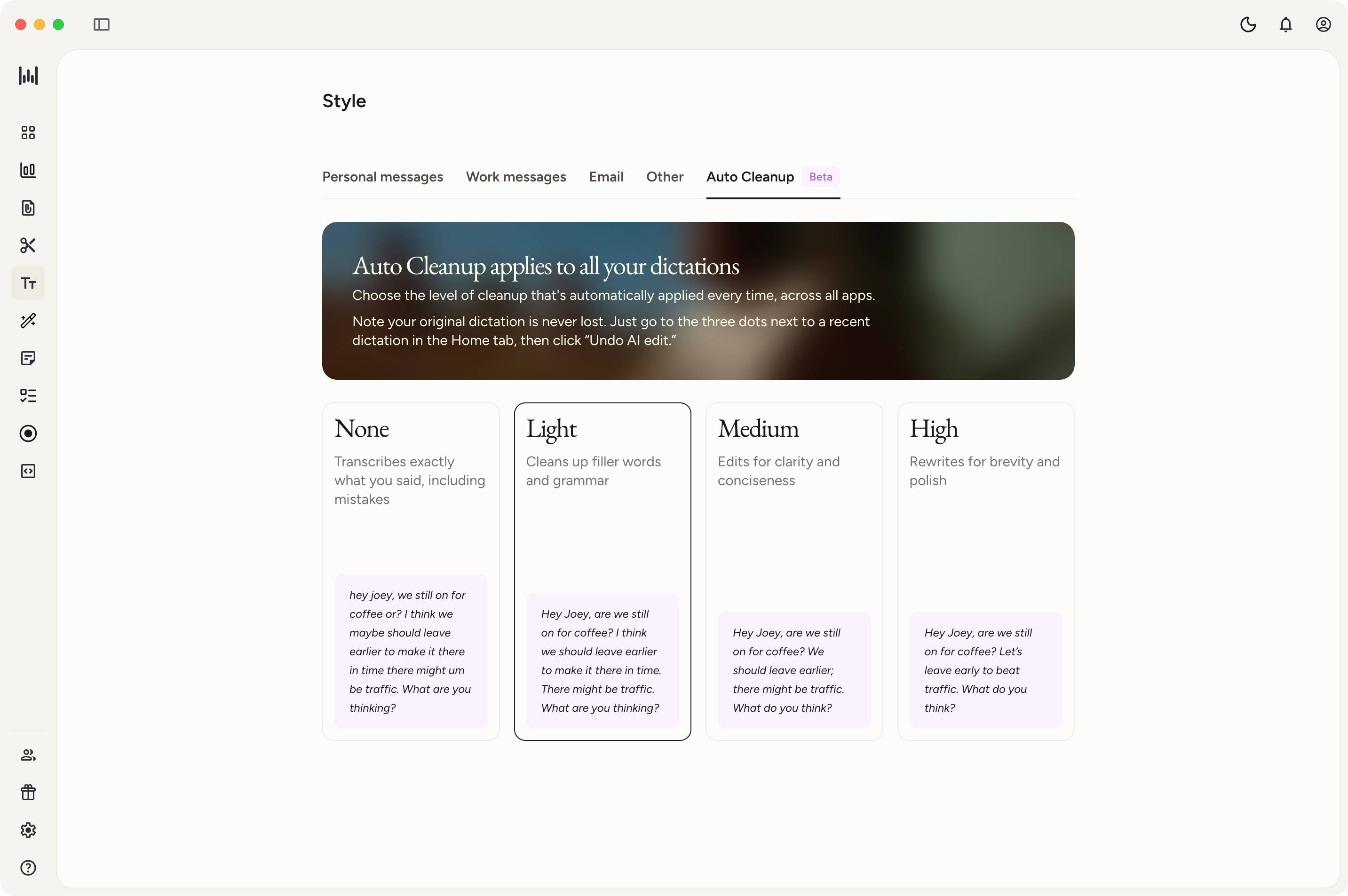
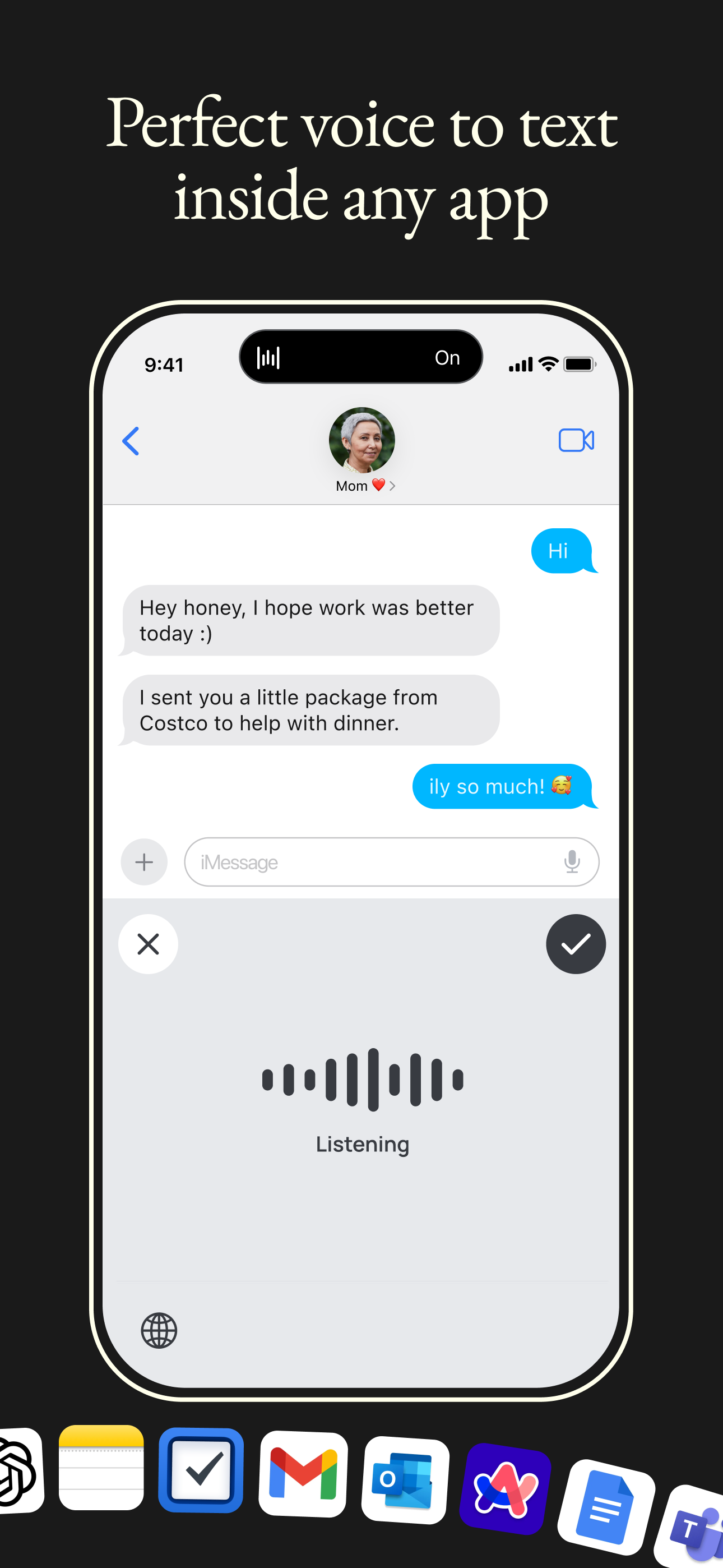
Wispr Flow is a voice dictation app that turns speech into formatted text in any application with a text field, removing filler words, applying mid-sentence corrections and adding punctuation as you talk. It runs on Mac, Windows, iPhone and Android and works the same way in Gmail, Slack, Notion, Cursor, a terminal or a chat with ChatGPT or Claude, with no per-app plugin or integration. It handles over 100 languages with automatic detection, learns a personal dictionary of names, acronyms and jargon, and now includes Notetaker, a Mac meeting recorder that captures system audio from Zoom, Google Meet, Teams, Slack huddles and Discord without a bot joining the call.
- Dictate into any app with a text field, no plugin or integration
- Backtrack applies mid-sentence corrections instead of typing them
- Removes filler words and punctuates from your pauses and tone
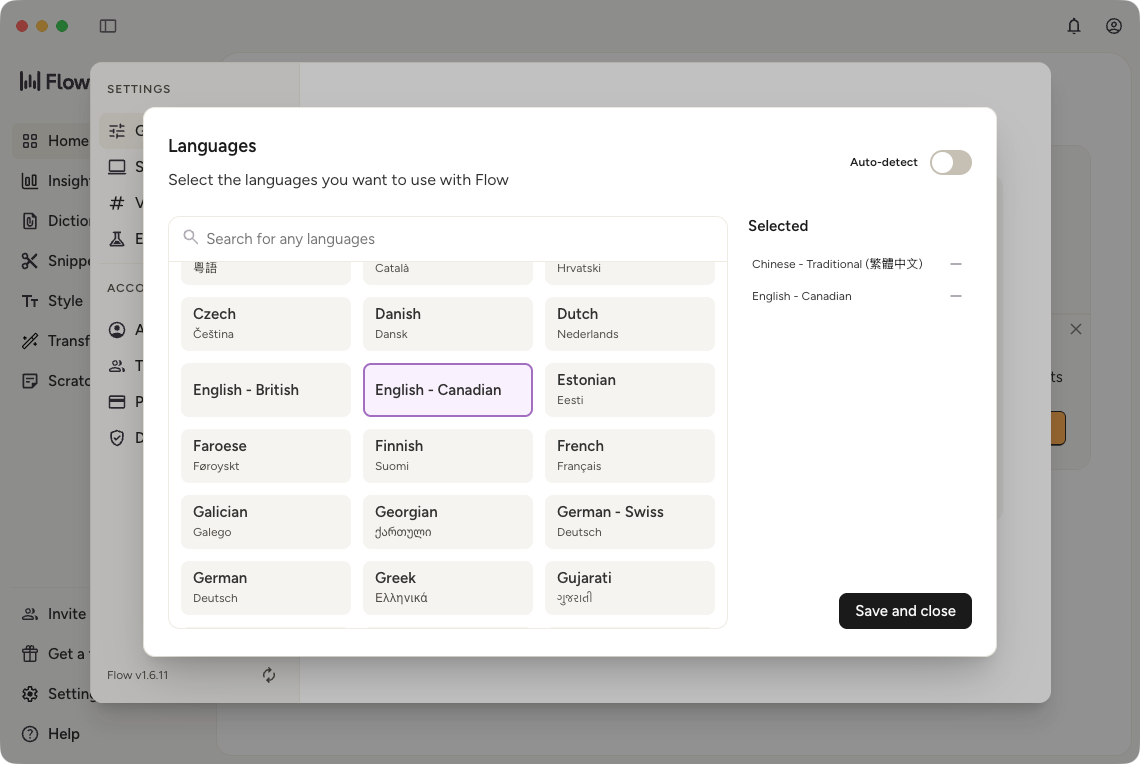
- Dictation in 100+ languages, detected automatically
- Whisper mode keeps dictation working in shared, quiet spaces
- Dictionary learns the names, acronyms and jargon you use
- Snippets expand a spoken shortcut into a saved block of text
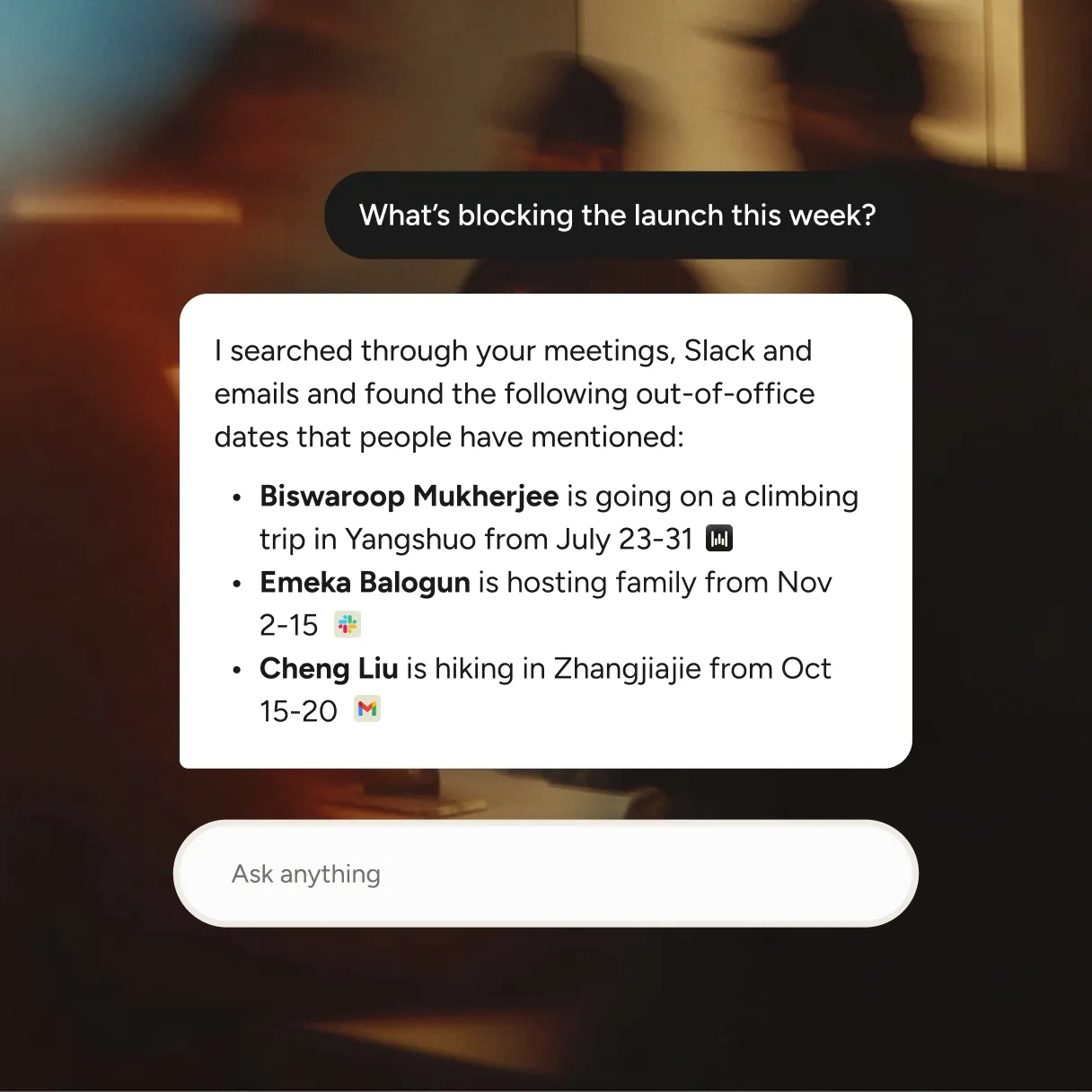
- Notetaker records Mac meeting audio with no bot joining the call
Based on what people have said
Every answer links back to the mentions it came fromHow does Wispr Flow perform on different platforms?
Users report a varied experience across platforms. While many praise the Mac experience, several users describe the iOS version as the worst of the supported platforms, citing issues with wonky application, small interface controls, and the need to swipe between apps. Some users have found success using the iPhone action button to improve the workflow, though others remain frustrated by the need to constantly uninstall and reinstall the app due to reliability concerns.
8 mentions · r/WisprFlow · @JohnCorcoran · r/WisprFlow · Aug 2026
What are the common complaints regarding performance and reliability?
Users frequently mention latency issues, with some noting that longer dictations can be slow or that the app occasionally cuts off the first few words. Others report annoyance with the app's startup behavior, such as windows popping up unexpectedly, and some users have experienced conflicts where the app interferes with other system functions like fingerprint authentication for purchases.
5 mentions · @geekyranjit · r/Productivitycafe · @PaulSolt · r/WisprFlow · @lincolnliup · Aug 2026
What do users say about the accuracy and quality of the dictation?
Many users describe the dictation accuracy as high, noting that it works well even when whispering or during technical discussions. Some users appreciate the ability to produce clean, formatted text, such as bullet points, and find it useful for brainstorming or writing longer messages. However, some users feel that relying on the tool has negatively impacted their manual spelling abilities.
7 mentions · r/SaaS · r/ClaudeAI · r/WisprFlow · @rorysutherland · @J_srv001 · @brettdash_ · and 1 more · Aug 2026
How do users feel about the meeting recording and note-taking features?
The meeting recording feature is seen as a positive addition by some, with users noting that transcript capture and summarization are effective. However, there is disagreement regarding its implementation, with some users finding the automatic activation of these features invasive and lacking in opt-in controls.
3 mentions · r/macapps · @jainmayank_943 · @wolfr_2 · Aug 2026
Are there concerns regarding privacy and pricing?
Some users express concerns about data privacy, leading them to prefer built-in alternatives. Additionally, there is interest in more affordable or open-source alternatives to the current pricing model.
4 mentions · r/ClaudeAI · r/overemployed · @drummatick · @amritwt · Aug 2026
These summarise counts and dates only. Read the quotes themselves under what people are saying.
What people are saying about Wispr Flow
48% positive“# Wispr Flow is not safe buddy”
“I just installed the app Wispr Flow and so far I seem to like it a lot but I am concerned about the safety. When I was reading reviews on Reddit I was wondering if that's still the case right now or if I am better off switching to some other app to keep my things private”
“After some troubleshooting, it appears my organization is blocking Wispr Flow through the firewall. I can still access Wispr Flow when I use public Wi-Fi, but not through the enterprise Wi-Fi.”
“I would contact their support or wait.”
“Wispr Flow was working fine on my computer, then suddenly stopped. It showed a sign-out/error message saying "retry again or contact support." I uninstalled it to reinstall, but now I can't download it again, and Google sign-in says "not reachable." I tried a different email too, same problem.”
“Wispr Flow was a game-changer when it first came out and I hope they will continue to be very successful, but I just don't see how they can stay competitive? There are so many alternatives now.”
“If you start a list with a number other than 1, Wispr Flow will "fix" that for you by making it start with 1.”
“For anybody who is looking to get the most out efficient use of AI for automation I would seriously recommend you download Wispr Flow. One thing I would recommend you do from day one is turn off your history. Otherwise, Wispr Flow is going to have a record of your voice”
“The longer the prompt, the better (bonus if you use voice or Wispr Flow to brain dump)”
“This is like an enhanced free Wispr Flow!”
“wow really useful feature. can't believe i only found out now. in wispr flow you can save snippets (like links), so you don't have to retype them all the time”
“I've had this too lol. It's the strangest glitch. Alternatively you can just hold down the Wispr Flow key and then the Touch ID will show up”
“But these AI tools deserve way more attention: 1. Wispr Flow → "https://wisprflow.ai"”
“the tool is top notch, for mac its superb”
“I guess it's time to do an epic four hour rant into wispr flow about the no best practices philosophy...”
“So far wispr flow has been amazing. And voice to text on my pixel 6 was better..”
“Switch to Wispr Flow. NIght and day difference and far superior to native non-Rambler v2t.”
“Wispr Flow is awesome!”
“wispr flow flexing”
“I've been using Wispr Flow for dictation. Probably this is a permanent transition – my arms feel better, but they twang warningly whenever I type much on a laptop again.”
“Been really liking Wispr Flow, so if anybody else wants to join, here's a 1-month free link.”
“It took awhile, but I figured out it was Wispr Flow--something to do with the little widget rendering an overlay that breaks something in the App Store.”
“- Wispr Flow: speaking > typing”
“I ❤️ Wispr Flow”
“I'll say as a power user of Wispr Flow (I'm dictating this tweet) the extra accuracy is worth the extra money over cheap or free alternatives.”