
Typeform
Conversational forms that ask one question at a time
 1/2
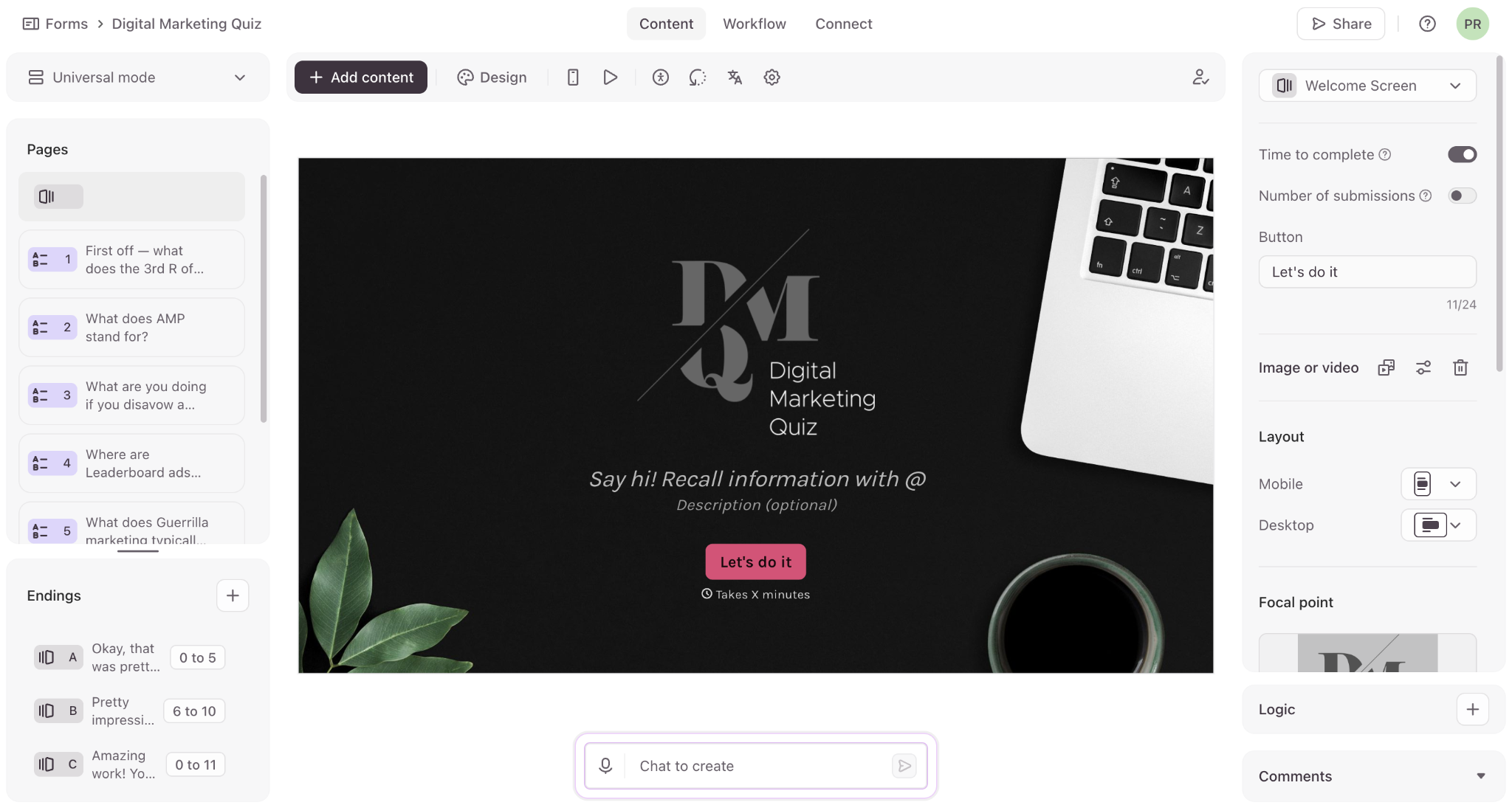
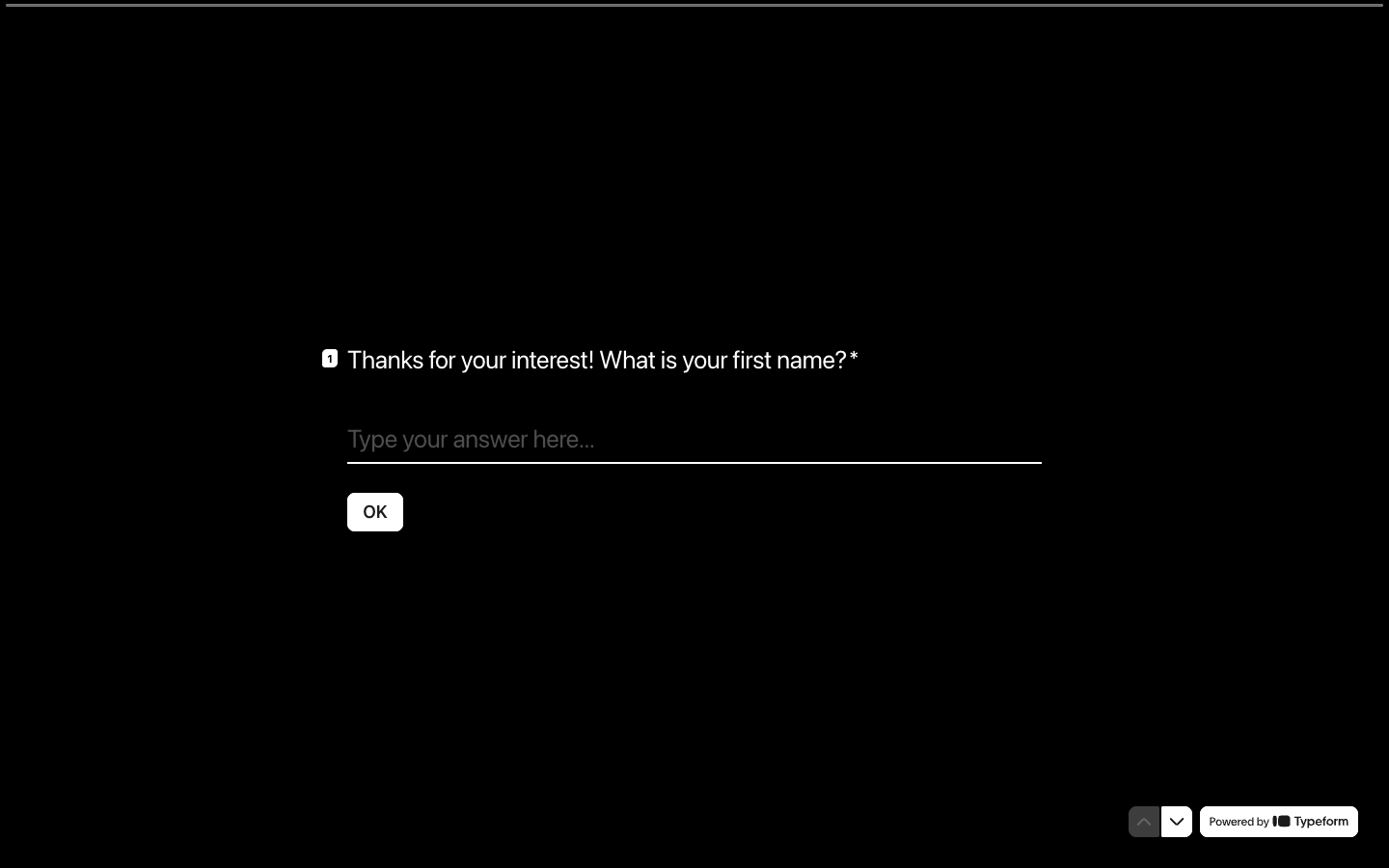
Typeform builds forms that show one question per screen, so a survey or application reads like a conversation rather than a page of fields. Conditional logic branches the questions on what someone has already answered, questions can be asked and answered with video, and forms can be created from a prompt with AI rather than assembled by hand. Responses flow out through webhooks and integrations into the tools that act on them, and the analytics show drop-off by question and conversion rather than just totals. Plans are metered by responses per month and by users: Basic includes 100 responses and one user, Plus 1,000 and three, Business 10,000 and five, with Typeform branding removable from Plus upward and a custom subdomain on the same tier. Paying yearly saves 30 percent, and Enterprise covers six or more users with SSO.
- One question per screen, so a form reads as a conversation
- Conditional logic branches on what was already answered
- Video questions and video answers
- Create a form from a prompt with AI
- Webhooks and integrations push responses onward
- Drop-off rates and conversion tracking on Business
- Remove Typeform branding and use a custom subdomain
- Response enrichment and Salesforce sync on Growth Flow
What people are saying about Typeform
62% neutral“Have you checked the strategies of TypeForm and JotForm?”
“crazy to me that typeform has no MCP. Who wants to manually create forms!?”
“It connects with tools such as Tally, Typeform, Jotform, Fillout and others, then uses the submitted information to trigger personalised email or SMS communication.”
“@steventey Asana, Typeform, Webflow”
“When an applicant fills out my TypeForm it triggers an event.”
“Google wins on free and fast, Typeform on looks. Simple sits right between them, which is a dangerous place unless you pick a specific person, like freelancers collecting client briefs, and make the templates scream that.”
“If you need cross-tabs and filtering without the export dance, look at Fillout or even Typeform. Both handle response segmentation better than Tally out of the box.”
“I spent about 45 minutes filling out the survey, got to the end, clicked Submit, and it just opened a new window to the TypeForm website. No idea if everything was recorded.”