
Toggl Track
Time tracking with billable rates, reports and timesheets
 1/3
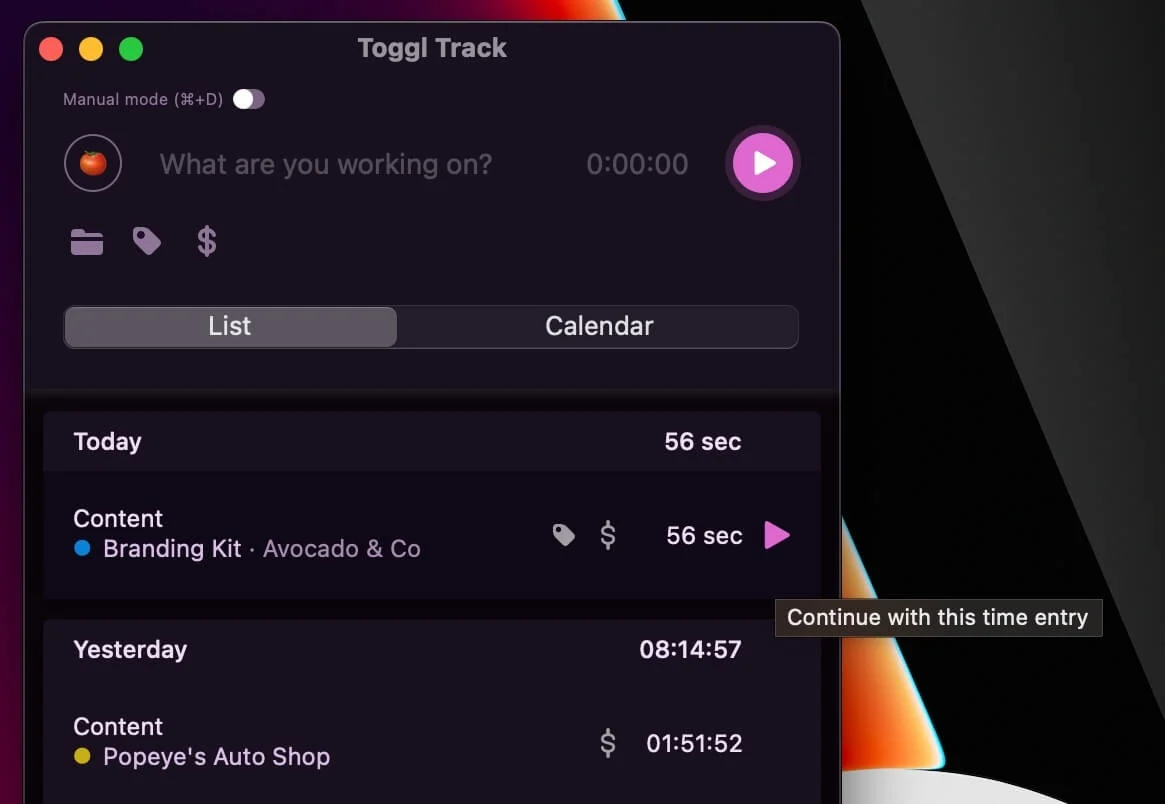
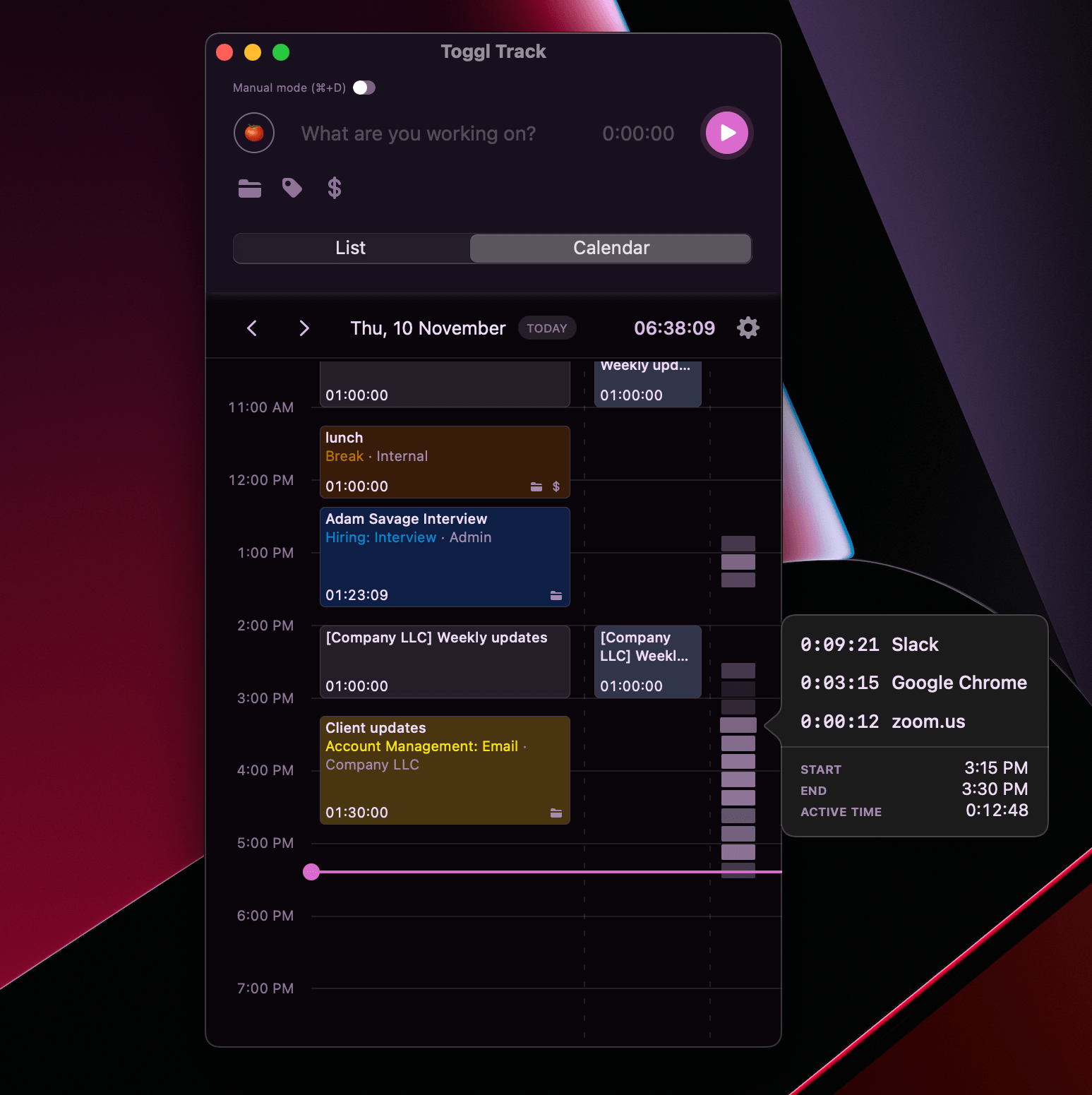
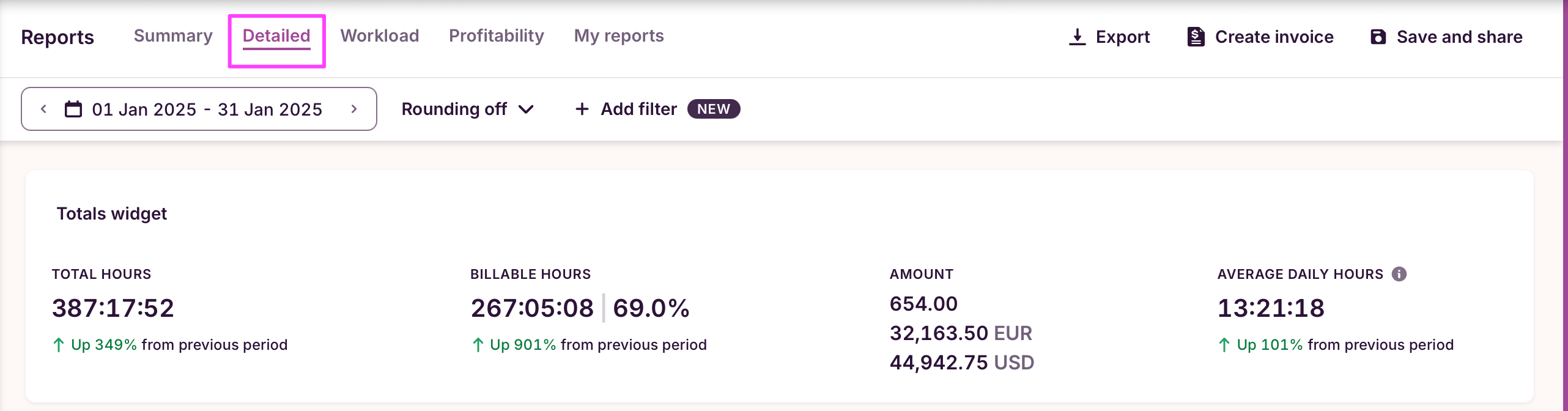
1/3Toggl Track records where time goes without monitoring how it is spent: a one-click timer that syncs across the web app, desktop apps and phone, plus a browser extension that puts the same timer inside more than a hundred other tools. Entries attach to clients, projects and tasks, calendars sync from Google and Outlook so meetings can be tracked as they happen, and reports turn the log into billable hours, revenue and profitability. Paid plans add billable rates, project time estimates with alerts as you approach them, fixed fee projects, timesheet approvals, scheduled reports and data accuracy checks that flag entries that look wrong. The free plan covers a limited number of users, and Premium is $14 per license monthly for the first year of an annual plan before renewing at $18.
- One-click timer across web, desktop and mobile apps
- Browser extension adds a timer inside 100+ other tools
- Google and Outlook calendar integrations
- Billable rates, revenue and profitability reporting
- Project time estimates with alerts as you approach them
- Timesheet approvals and scheduled reports
- Fixed fee projects and data accuracy checks
- Jira and Salesforce integrations, and SSO on Premium
Based on what people have said
Every answer links back to the mentions it came fromWhat are the primary benefits of using Toggl Track?
Users describe the software as clean, lightweight, and simple to use for starting and stopping tasks. It is frequently praised for its reporting capabilities, which help users understand how their time is spent or prepare billable hours for clients. Additionally, the tool offers cross-device synchronization and integrations with various project management tools via a browser extension.
6 mentions · r/girlscouts · r/ProductivityApps · r/remotework · r/ProductivityApps · r/productivity · r/productivity · Dec 2017 – Aug 2026
What are the common complaints regarding the free plan and pricing?
Several users note that the free plan has become more restrictive over time, specifically regarding the removal of task functionality and limited access to advanced insights or reporting. Some find the monthly cost for premium features to be expensive, particularly for individuals who only require specific tools like billable rates.
5 mentions · r/TimeTrackingSoftware · r/TimeTrackingSoftware · r/ProductivityApps · r/selfhosted · May 2022 – Aug 2026
How does Toggl Track perform for team management?
Opinions are mixed; while some find it a reliable way to track time for a team, others argue it is better suited for solo users, freelancers, or creative work. Critics point out that it lacks features for managing team attendance, shifts, or approvals, and some users have reported inconsistencies in the interface across different mobile devices for staff members.
4 mentions · r/ProductivityApps · r/ProductivityApps · r/Connecteam · Oct 2024 – Dec 2025
Is the software reliable for tracking and reporting?
While many users appreciate the reporting features, some express concerns about data reliability due to potential syncing issues. Others note that because the system operates on an honor system, it may not be sufficient for legal defense or resolving disputed invoices. Additionally, some users have reported technical issues, such as high RAM consumption on desktop apps or bugs within the mobile application.
4 mentions · r/TimeTrackingSoftware · r/remotework · r/TimeTrackingSoftware · Jan 2025 – Nov 2025
How do users handle the need to remember to start and stop timers?
Some users find it easy to forget to manage timers during deep work, leading them to seek automation. Solutions include using third-party tools like Make to link Google Calendar meetings to automatic timer starts, or relying on idle detection features. Others express a desire for more robust, built-in automation to detect idle time or prompt users when a timer is not running.
6 mentions · r/ProductivityApps · r/indiehackers · r/projectmanagement · r/Connecteam · r/tasker · Oct 2014 – Mar 2026
These summarise counts and dates only. Read the quotes themselves under what people are saying.
What people are saying about Toggl Track
51% positive“Toggl Track uses projects to really track activities time. When I started, I said I was doing different things and thought I could tell how much time I did things by the description but that is more just a note.”
“Toggl Track's Free plan should work. It has web, mobile, and desktop apps, plus a browser extension”
“⏱️ Agencies still rent Toggl Track and Clockify per seat so they can prove hours. Put Solidtime on a VPS they own — timer, clients, projects, billable rates, one-click Toggl/Clockify import — and that seat line becomes a setup. The software is $0.”
“this is super neat! would love to use it as i've been trying to make something like this using automated tracking in Toggl Track, just wondering if you're ever planning on turning this into a full-blown app? I mostly watch downloaded anime on a seperate video player, outside of a browser (mpv) and I'm guessing it wont be able to keep track of it.”
“however, I've since discovered the free version no longer allows for tasks.”
“If things like streaks are what motivate you, get the app toggl track and track all the time you spend studying your target language. You can look at all your detailed stats and there's even a heatmap where you can see how you did every day. And you can retroactively add time, no glitches ruining your streak.”
“* Toggl Track - best experience, but limited insights on free”
“Toggl is great when I actually remember to start/stop timers, super clean and simple. But when I’m in deep work mode I usually forget.”
“Toggl Track’s own app have gotten an alright Live Activity implementation as well”
“I’ve been using Toggl for a while to track work/study sessions, but it always felt a bit inefficient having to unlock my phone, and open the app just to check my timers.”
“I use 'toggl track' and 'google calendar' to help track time. And I can totally compare real time spent with my time schedule expected, to find out how to improve and design my life.”
“I'm stymied how to have the reports displayed in the sidebar in any order that's useful to me. I have to mal-configure names to get them to the top. And those below just aren't in any order, NOR, are there enough displayed.”
“Here’s the app I use. They have a free level as well”
“I first used Toggl Track when I was doing mostly solo work. It’s very clean, lightweight, and honestly one of the easiest timers I’ve ever used. Starting and stopping a task is brain-dead simple, and the reporting is solid if you’re billing clients or trying to understand where your hours are going.”
“Jibble vs Toggl Track, best time tracking software for freelancers. My honest take as a freelancer who’s used both”
“• Toggl Track – Super clean UI and great for solo/creative work, but it felt more geared toward freelancers/consultants than a small team with approvals, PTO, etc.”
“Toggl Track is good, but recently I noticed that PC app consumes 300-500 megabytes of RAM. I can’t understand how time tracker, running in background, can consume so much resources.”
“It’s amazing for speed, but runs on the honor system. It’s built for trust, not for legal defense. If a big invoice is disputed, Toggl’s records are too easy to challenge because they lack verification.”
“Having been in the business for a few years, I’ve definitely tried a few different time tracking software platforms and while Clockify and Toggl Track can both get the job done, but depending on your business and employee criteria you’re sure to have gaps.”
“Toggl is what I turn to when I just want to focus without thinking about time tracking. You literally just hit "start" and forget it. It’s minimal, doesn’t nag, and works across devices.”
“2) Toggl track: super clean UI, great for freelancers or solo ppl. it’s the one I personally used for years before Jibble. main downside: gets pricey when you add more ppl, and not really built for team attendance or shifts.”
“Toggl Track- worked fine, but had a different interface on Samsung so my staff had some issues.”
“Actualmente estoy usando Jibble, y la verdad es que es uno de los mejores softwares de control horario para freelancers, junto con Toggl Track. Si estás buscando uno, cualquiera de estos dos vale la pena, ya que ambos son excelentes para el seguimiento de proyectos, con informes y gráficos muy claros que facilitan ver en qué se va tu tiempo.”
“I tried several time tracking tools like Clockify, Toggl Track, and Hubstaff, but I ultimately chose Jibble — and I’m really glad I did.”
“JIbble and Toggl Track seem to be relatively popular. I'd probably add Buddy Punch to the list because I know a few teams using it and it has good visualizations/insights.”