
Figma
Collaborative interface design, prototyping and design systems in the browser
 1/3
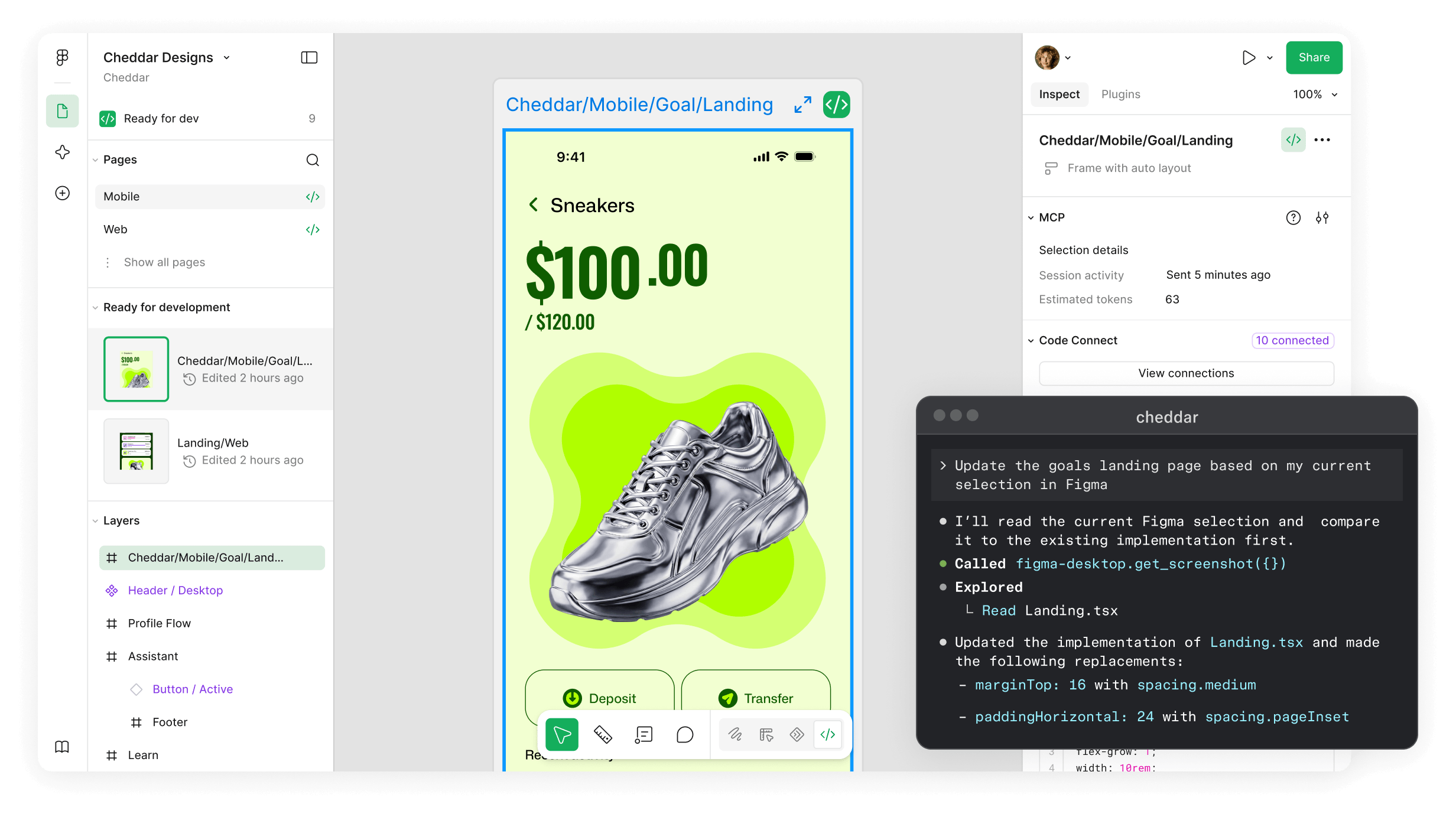
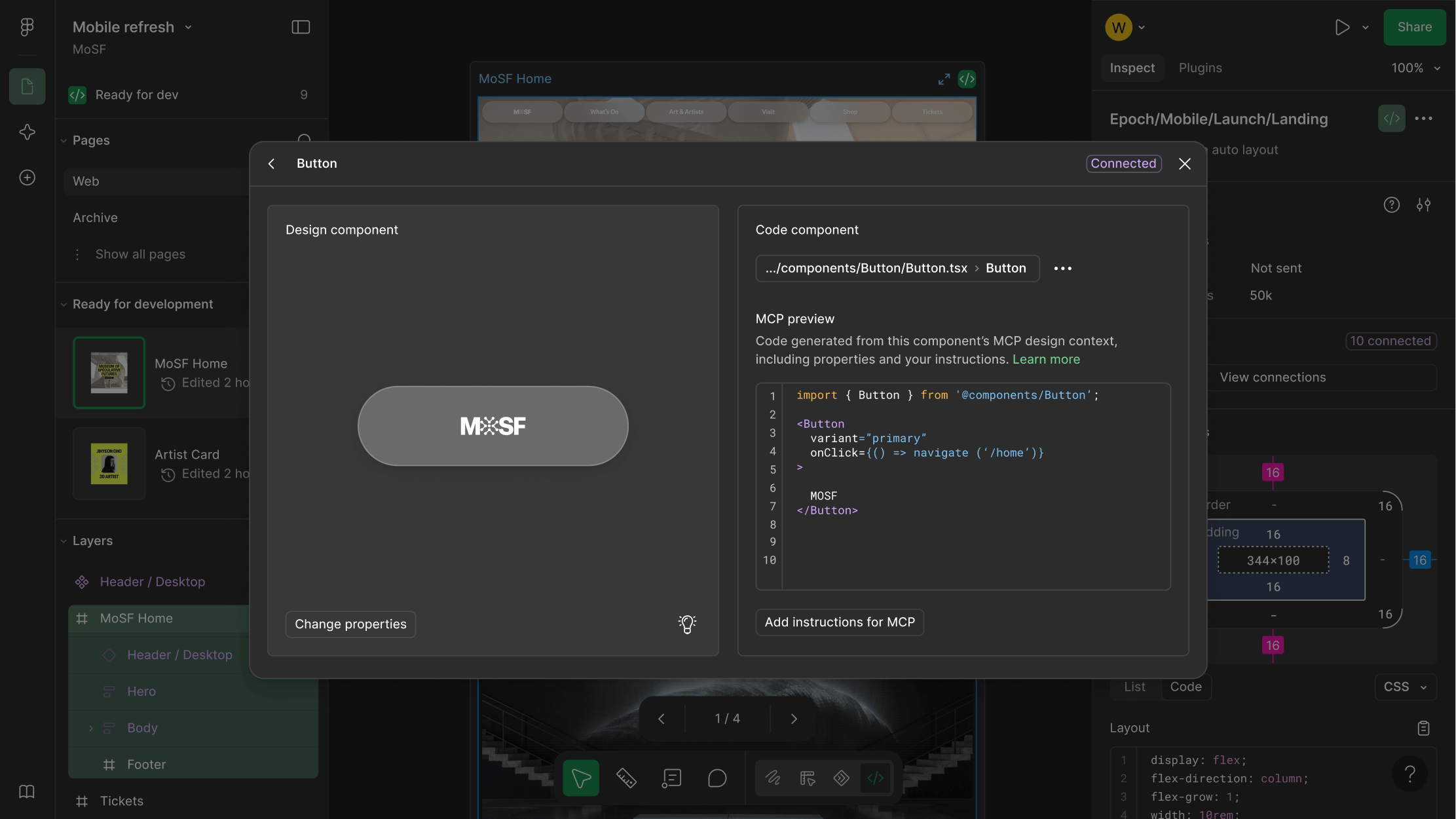
Figma is a browser-based design tool where a whole product team works in the same file at the same time, covering interface design, prototyping, design systems and handoff to engineering. Alongside Figma Design it includes Dev Mode for translating designs into code, FigJam for whiteboarding, Figma Slides for presentations, Figma Draw for vector illustration, Figma Motion for animation, and Figma Make for turning prompts into code. Paid plans are billed by seat type rather than per user, so Dev seats and view-and-comment Collab seats cost less than a Full seat, and it runs in the browser, as macOS and Windows desktop apps, and on iOS and Android.
- Multiplayer editing, with the whole team in the same file at once
- Auto layout builds responsive frames that adjust as content changes
- Interactive prototypes with Smart Animate, overlays and transitions
- Dev Mode translates designs into code, with inspection and an MCP server
- Team libraries and design systems with shared components and styles
- Variables and modes for switching between multiple design themes
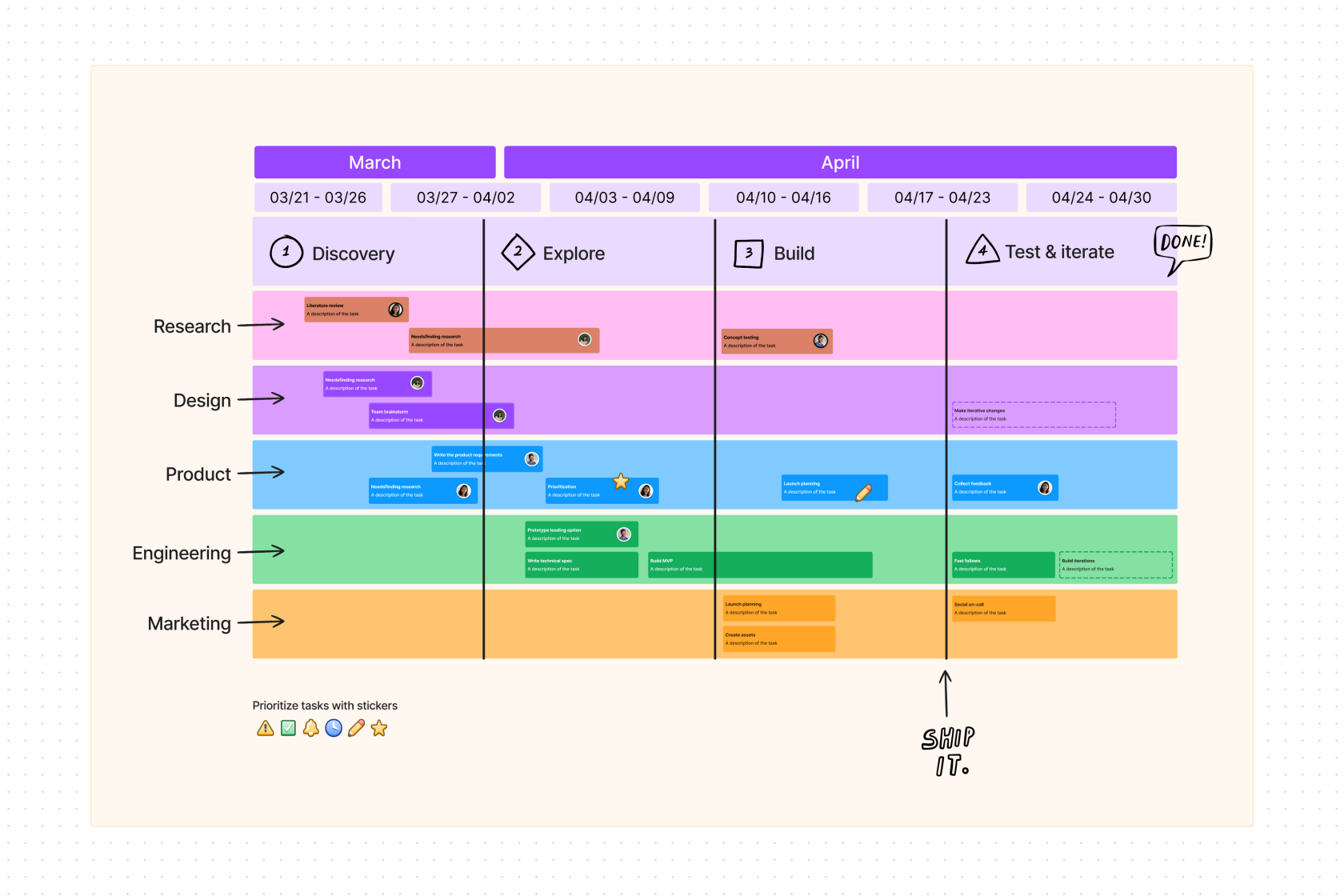
- FigJam whiteboard, Figma Slides and Figma Draw in the same workspace
- Figma Make turns prompts into code; Figma Weave for image and video
Based on what people have said
Every answer links back to the mentions it came fromWhat are the common performance complaints regarding Figma?
Several users describe the application as slow, particularly when handling complex projects or large files. Some report that the desktop application feels like a disappointing wrapper, and others note that the software can be memory-hungry. To mitigate performance issues, some users suggest breaking work into smaller files that import libraries or using a dedicated browser like Thorium in a vanilla state.
6 mentions · r/UI_Design · r/FigmaDesign · r/UXDesign · @fabiogiolito · Aug 2026
How do people use Figma in conjunction with AI tools?
Users employ various workflows, such as feeding Figma designs into AI models like Claude to generate code, or using AI to help document design tokens and create variations. Some designers use Figma for initial creative work and then switch to AI for incremental changes, while others use AI to generate mockups or micro-animations that are then brought back into Figma. However, some users report frustration when AI tools fail to accurately interpret Figma files or when the integration between the two is inconsistent.
11 mentions · r/ClaudeAI · Hacker News · r/softwaretesting · r/FigmaDesign · @jowettbrendan · r/UI_Design · and 3 more · Aug 2026
What are the common criticisms regarding Figma's prototyping and export features?
Prototyping is described by some as a source of frustration, with reports of bugs, missing features, and issues where interactions fail to carry over between files. Regarding exports, some users find the SVG output to be poor, noting that it can include wasteful elements like masks. Additionally, there is disagreement over the handoff process; while some argue that developers should not be expected to manually export assets from Figma, others find the process of locating and modifying layers for export to be a recurring pain point.
9 mentions · r/FigmaDesign · r/UXDesign · r/UI_Design · r/UXDesign · Aug 2026 – Sep 2026
Is Figma suitable for tasks outside of screen-based UI design?
Opinions vary. Some users have successfully repurposed Figma for tasks like level design for games or creating presentations, while others emphasize that it is not designed for printed work and will cause problems if used for that purpose.
3 mentions · r/indesign · @nlevin · r/FigmaDesign · Aug 2026
What are the common issues with Figma's support and account verification?
Some users report difficulty reaching support, citing open tickets that remain unaddressed. Others express frustration with the student account verification process and the reliance on third-party services like SheerID for account management.
4 mentions · r/FigmaDesign · r/FigmaDesign · Aug 2026 – Sep 2026
These summarise counts and dates only. Read the quotes themselves under what people are saying.
What people are saying about Figma
45% neutral“You could always copy a connector from figjam and paste it on your figma canvas. Connect the ends of the arrow however you and and they don't break. You can add annotations and customise color as well”
“Figma is awesome. Now available in Codex.”
“I don’t think average sampling is a thing in Figma. At least not like the corresponding feature in Photoshop.”
“Is there a feature in Figma that allows you to determine the average color of an object first, then select that specific color and apply it to another element (like text)?”
“Whenever I'm designing something visual, it's so much easier to have live variables, which would not have been”
“The designer bot is helpful for bouncing ideas off and making quick changes in Figma."”
“Designed these screenshots in Figma. Does it make you want to download?”
“I rarely touch Figma anymore.”
“Once you get away from “The Prototype” and embrace using multiple files and file types, you can recapture all the exploration, documentation, etc that we did in Figma previously.”
“I made a figma clone that uses storybook components and outputs real workflows 😂 as I’m sure the place I work is planning the same figma cut soon”
“Figma is still essential for us, I can't imagine not having it. I use it less now but its still handy for simple screens and our design system.”
“It’s not a major part of my workflow anymore, but it still has a lot of rich exploration, experimentation, and also a place to allow me to just think. That’s what I mean by stupid.”
“Claude Design allows for all of this in a cloud view similar to Figma that you're used to”
“I think my workplace may remove Figma.”
“Even these simple sounding requests bring you very far outside the remit of figma and react. Does the org youre going to show it to have a full development team that you could expect to slot into?”
“Give it your figma make and it will be done but make sure you check the code it writes and how can you make it scalable because as time passes dashboard gets a lots of data and shows laggy so do some research on whatever Ai uses”
“Figma Make's output is usually a decent-looking shell with fake data and no real logic, so the actual work is wiring it up to whatever data source you need, handling loading/error states, and making the interactions actually do something.”
“Just attach the screenshots or use figma connector for claude.”
“I used Figma Make to create a prototype dashboard, and it impressed my colleagues and programme manager. The challenge is that I have essentially no coding experience.”
“this is the first app where from the very first stroke all the way to 99.99% completion, i have not touched figma once (i will for app store screenshots and finishing touch).”
“Stumbling around a bit in Figma but also lots of InDesign experience. I feel like I’m missing a link to a good workflow.”
“Get familiar with Figma, but less as a skill onto itself, and more to learn UI design related tooling and concepts. Learn the basics of HTML/CSS, and if you wanna be ambitious or find you have an aptitude for code JS as well.”
“Figma still wins for designing consumer app screens”
“I think Figma is good to know. Pretty much every job posting I see mentions it.”
“I am 100% confident figma is gone. There is no reason to use figma if you can just build it in code faster. Not everyone can do it well, but the people that can do it will 100x others and do the work of design teams.”