Fantastical
Calendar app built around typing events in plain language
 1/3
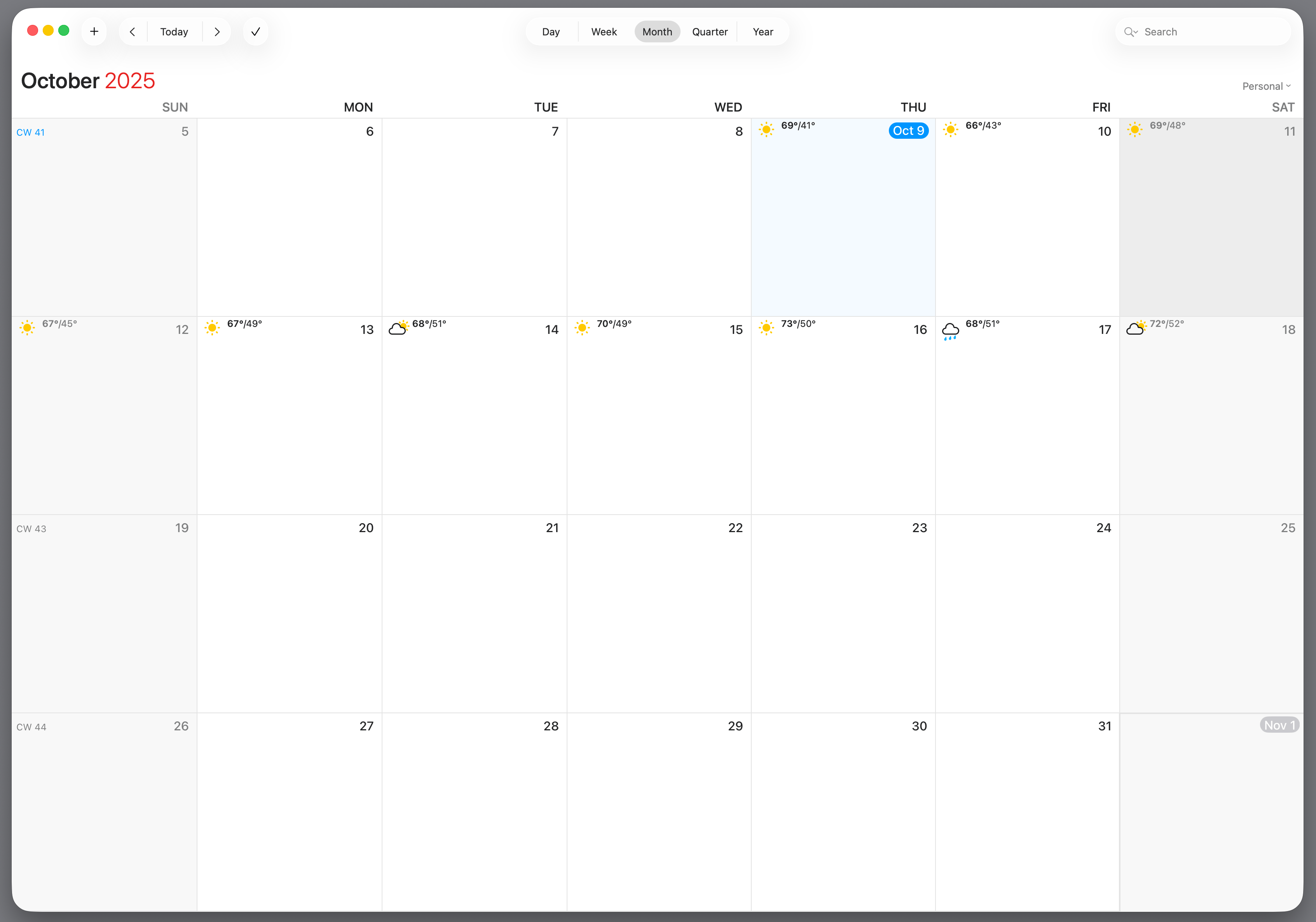
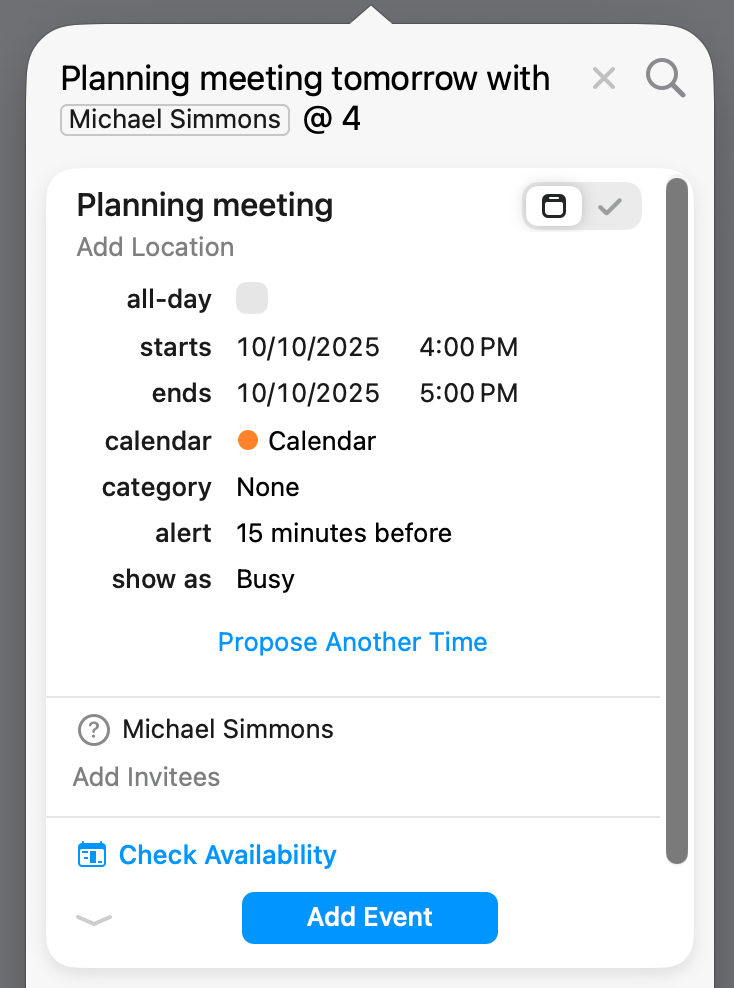
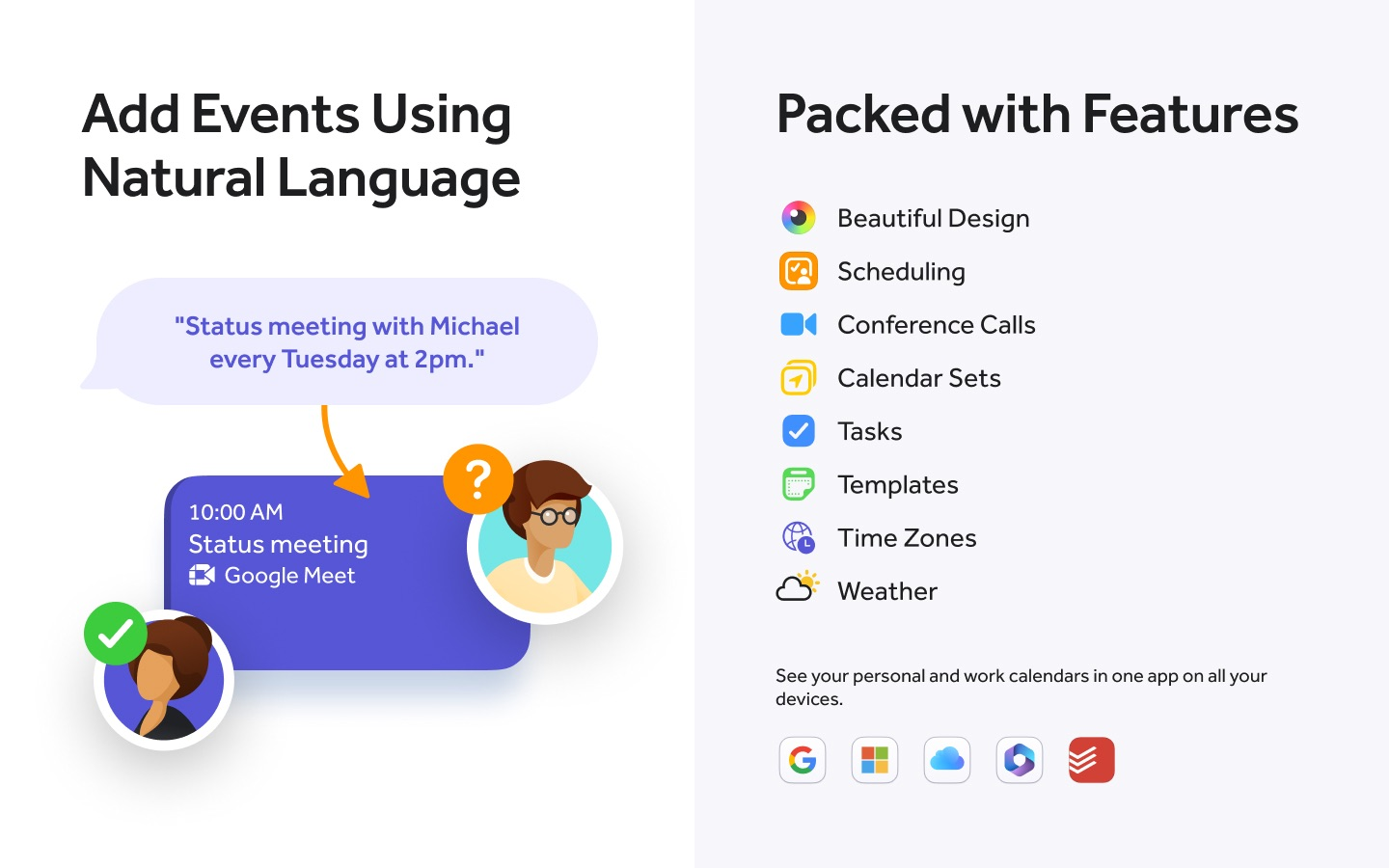
1/3Fantastical is a calendar app for Mac, Windows, iPhone, iPad and Apple Watch, built around typing what you mean: write a sentence and the parser turns it into an event or task with the right date, time, invitees, location and calendar. The DayTicker sits above full day, week, month, quarter and year views, tasks are handled natively alongside events including Todoist and Google Tasks, and calendar sets switch groups of calendars on and off together, manually or by location. Flexibits Premium unlocks the scheduling half: Openings publishes your availability as a booking link, Proposals runs a meeting poll, and video calls attach as Zoom, Google Meet, Microsoft Teams or Webex links. Premium also adds event and task templates, a ten-day forecast, subscribable calendars, and sync of sets and templates across devices. A Team plan adds single sign-on and Openings with multiple hosts, priced per user.
- Type a sentence and it becomes an event or task
- DayTicker above day, week, month, quarter and year views
- Tasks alongside events, with Todoist and Google Tasks
- Calendar sets toggle groups of calendars, or by location
- Openings publishes availability as a booking link
- Proposals runs a meeting poll across invitees
- Attach Zoom, Google Meet, Teams or Webex calls
- Event and task templates, synced across devices
Based on what people have said
Every answer links back to the mentions it came fromWhat are the primary benefits of using Fantastical?
Users highlight the natural language processing, which allows for quick event creation without manual field entry. Many also value the user interface, the ability to view tasks alongside calendar events, and specific features like account management, timezone support, and integrations with services like Zoom, Todoist, and Fastmail.
7 mentions · r/FantasticalCalendar · r/FantasticalCalendar · r/AndroidQuestions · Aug 2026 – Sep 2026
Are there concerns regarding the cost of the software?
Several users express frustration with the annual subscription price, with some questioning if the features justify the cost compared to free alternatives like Apple Calendar, especially as operating system updates introduce new native capabilities.
3 mentions · r/FantasticalCalendar · Sep 2026
How does the scheduling functionality compare to other services?
While some users rely on the Openings and Proposals features, others find the scheduling component less flexible than Google's suite, specifically noting difficulty in setting one-off windows of availability rather than recurring weekly blocks.
4 mentions · r/FantasticalCalendar · r/FantasticalCalendar · Aug 2026 – Sep 2026
What are the common complaints regarding usability and reliability?
Some users find managing calendar sets to be tedious due to the number of steps required to enable or disable multiple calendars. Additionally, there are reports of the app displaying notifications for spam calendar invites, which some users find problematic for account security.
2 mentions · r/FantasticalCalendar · r/FantasticalCalendar · Aug 2026 – Sep 2026
These summarise counts and dates only. Read the quotes themselves under what people are saying.
What people are saying about Fantastical
58% positive“I'll say that Fastmail's calendaring works wonderfully with Fantastical...”
“I don't find a fast way to enable/disable multiple calendars in a calendar set (in my case Google). The only way to do that is to go Settings -> Calendars & Lists -> Select Calendar Set -> now I can disable/enable calendars — but this is too tedious.”
“Since switching I’ve had zero problems with work calendar syncing.”
“Hi all, long time Fantastical user. I have pretty much always used apple calendars and the family one for shared events with my partner.”
“I switched last year and can say the price of fantastical does not justify the difference. Sure apple calendar isn’t as nice as fantastical, but fantastical is definitely not $90/month nicer than apple calendar”
“Fantastical normally does a nice job syncing with it. How does Apple Calendar behave with that two-way syncing path?”
“The key function in Fantastical is the Account Management and the UI”
“I personally LOVE having my Apple reminders as to do lists right next to my calendar, all within the same window. That’s the main reason I use fantastical.”
“But if you are a power user and need power features like openings and all the 3rd party integrations, Fantastical still has a place.”
“Not saying it's not possible but they need to replicate nearly everything in fantastical for me to use apple calendar.”
“I have been a Fantastical user for many years. Here is why I keep coming back to Fantastical.”
“For me the timezone support is and the openings/proposals is what keeps me in Fantastical. Zoom integration is also very good.”
“Fantastical will eventually be not worth it compared to apple's solution”
“For me, the Zoom integration, openings/proposals, and Todoist integration are big parts of why Fantastical is worthwhile that won’t be part of the macOS update. But YMMV if those aren’t critical for you.”
“I'm paying $90 per year for Fantastical and they raise the price every year. Do I actually need Fantastical once OS27 launches?”
“I'm new to Fantastical and absolutely LOVE the UI, but am having a hard time replicating/replacing one specific component of the GCal suite. In Google's scheduler (and most others I'm aware of), you can add specific windows of one-off available time on an ongoing basis, rather than listing regular weekly availability and blocking out unavailable time.”
“Fantastical still shows notifications for calendar invites when the email is in Junk/Spam. I don’t want to accept, decline, or interact with these invites, since any response could confirm my account is active and invite more spam.”
“Fantastical is a... *calendar app* (?!!) that exists because iPhone's default offerings are so incapable. What a joke! On Android, the entire Google productivity suite is kind of just built in and everything just works.”
“Fantastical spoiled me. I type "lunch with Mike Thursday noon at the office" and it creates the event instantly, right time, right place, right everything. No tapping through fields, no dropdowns.”